PF 360 Capture New Updates – December 2025
New Updates:
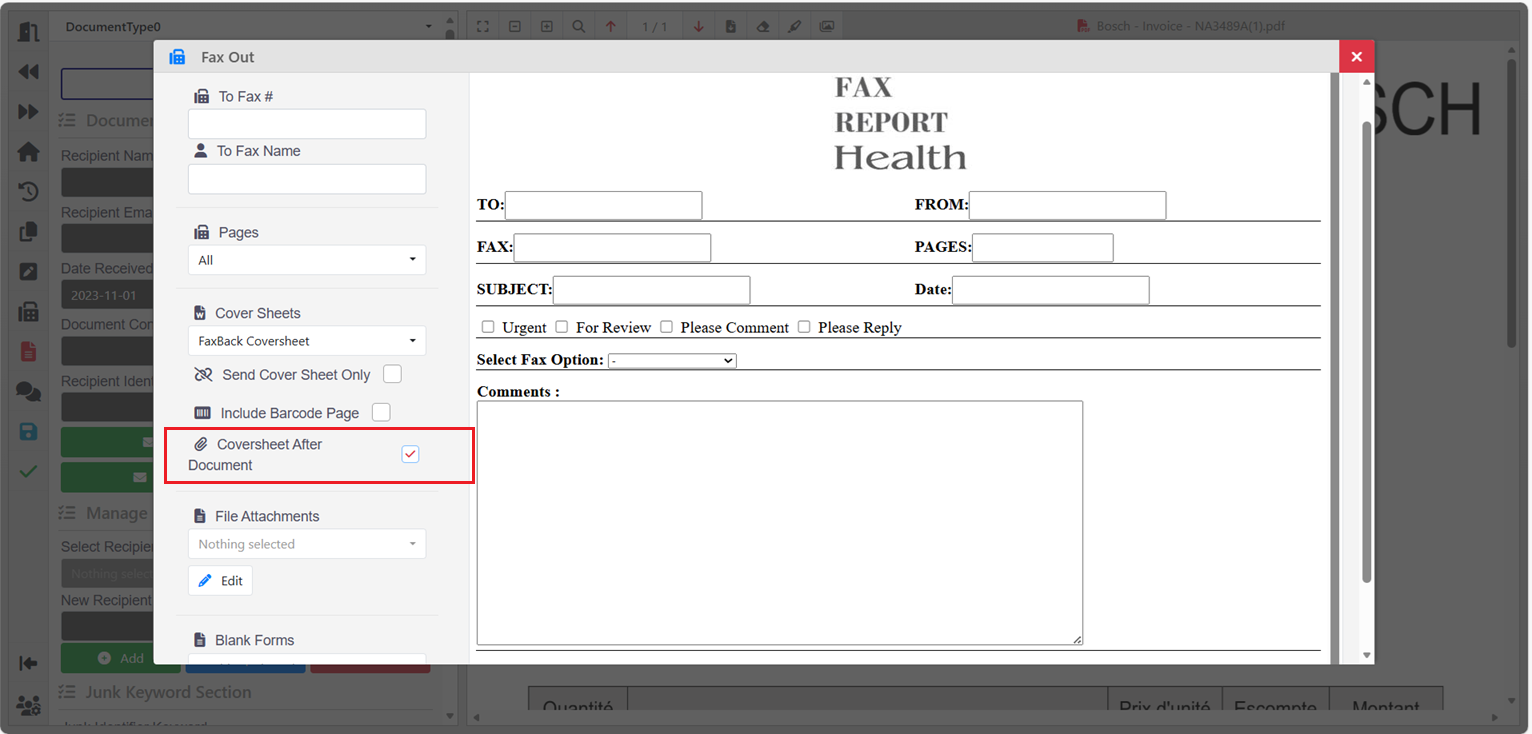
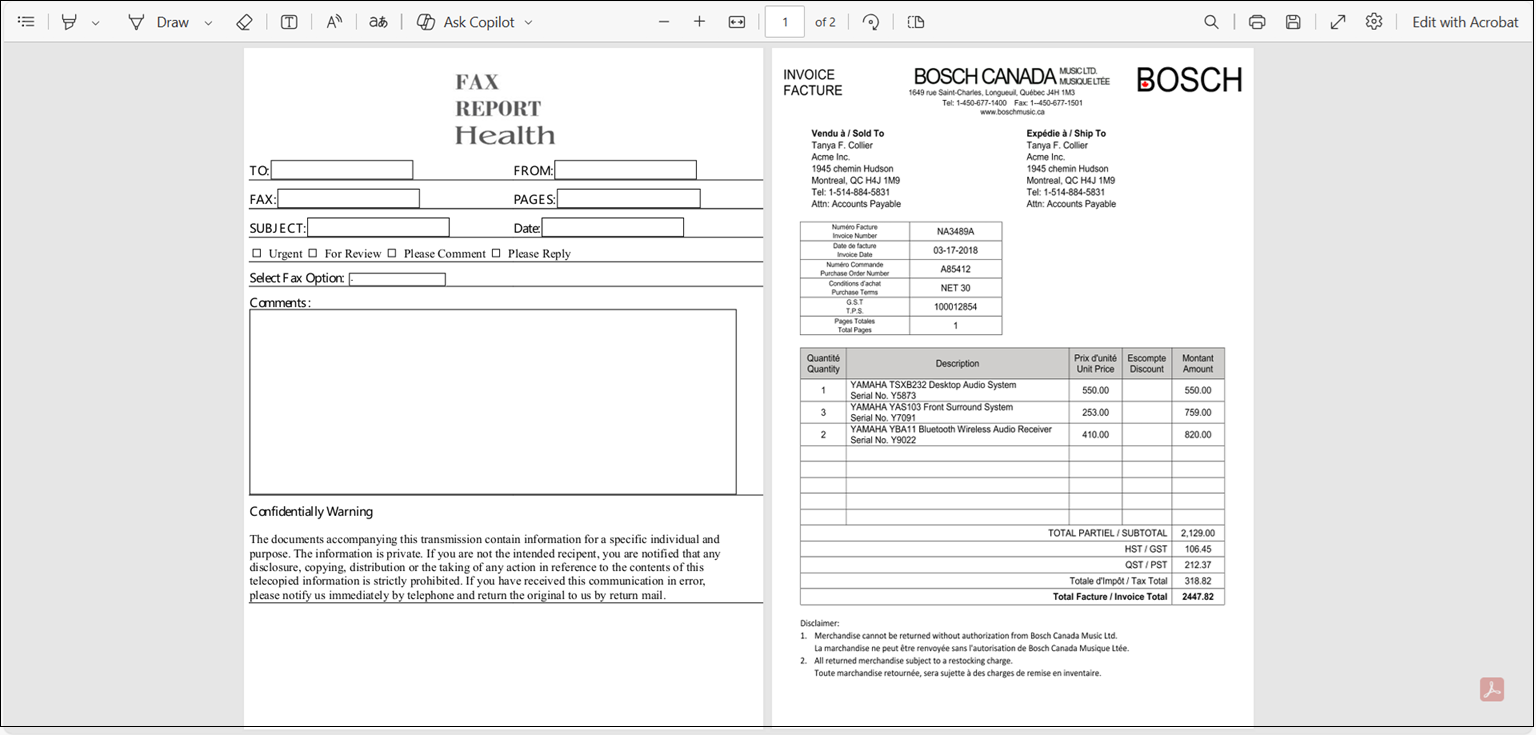
3213: Added an option to place the fax cover sheet at either the beginning or end of the document. Selecting Coversheet After Document places the fax cover sheet at the end of the document.
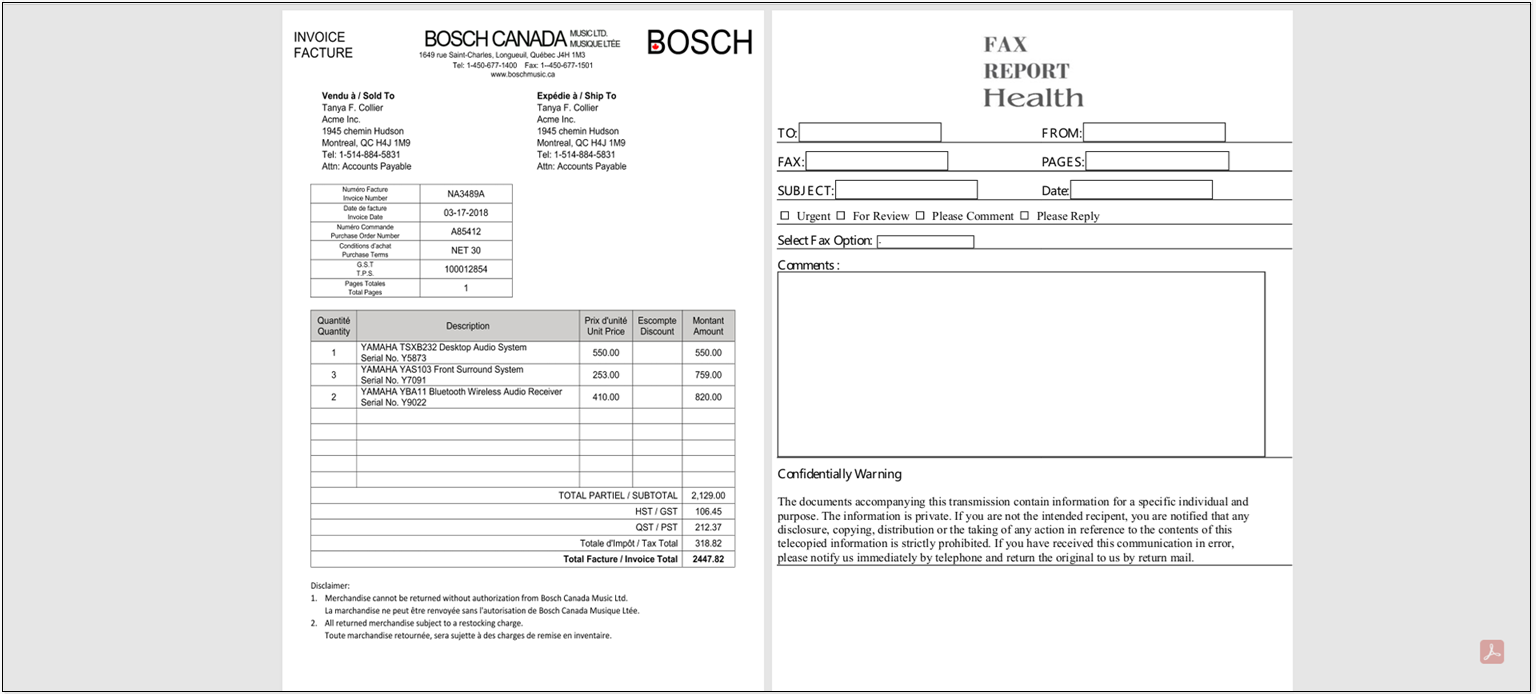
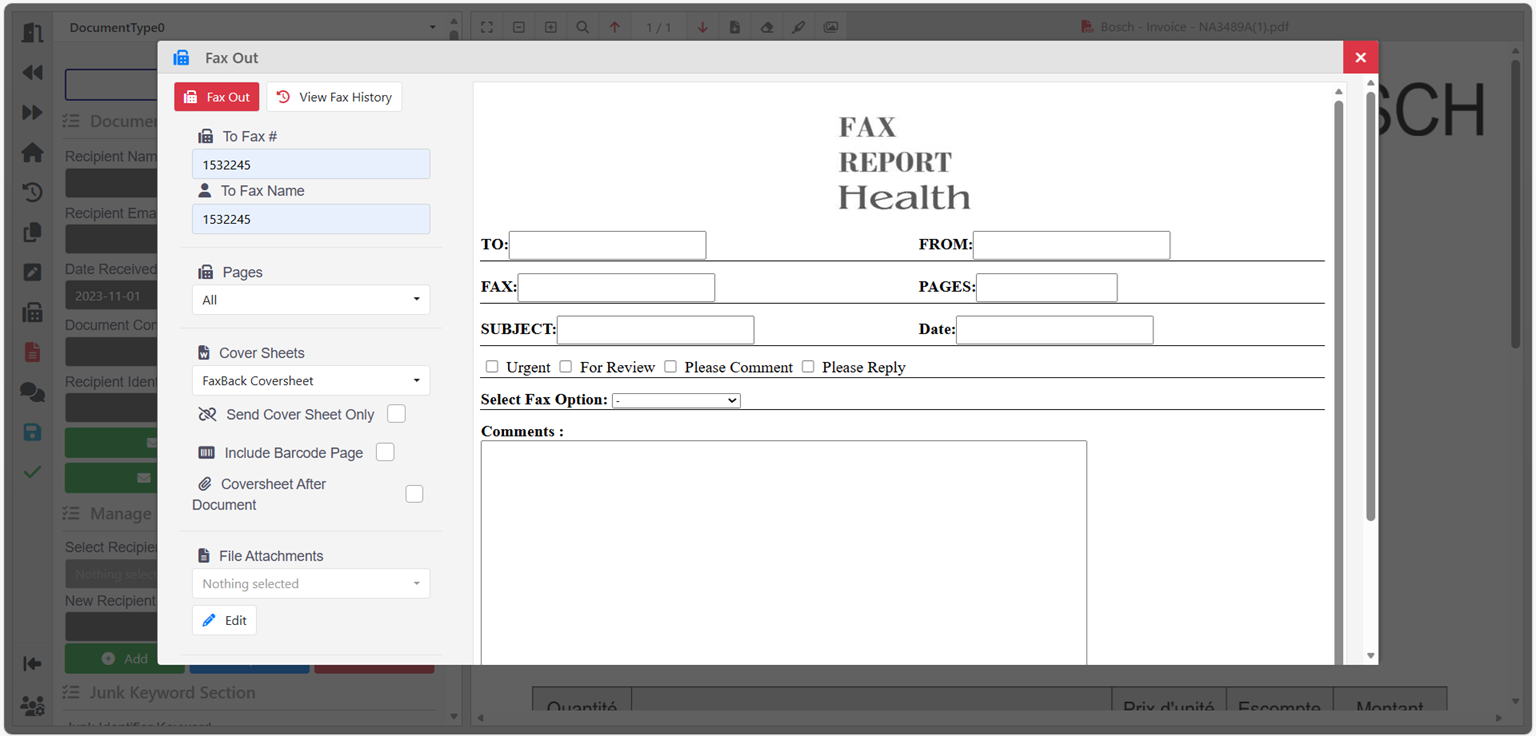
If the Coversheet After Document option is not selected, the fax cover sheet is placed at the beginning of the document.
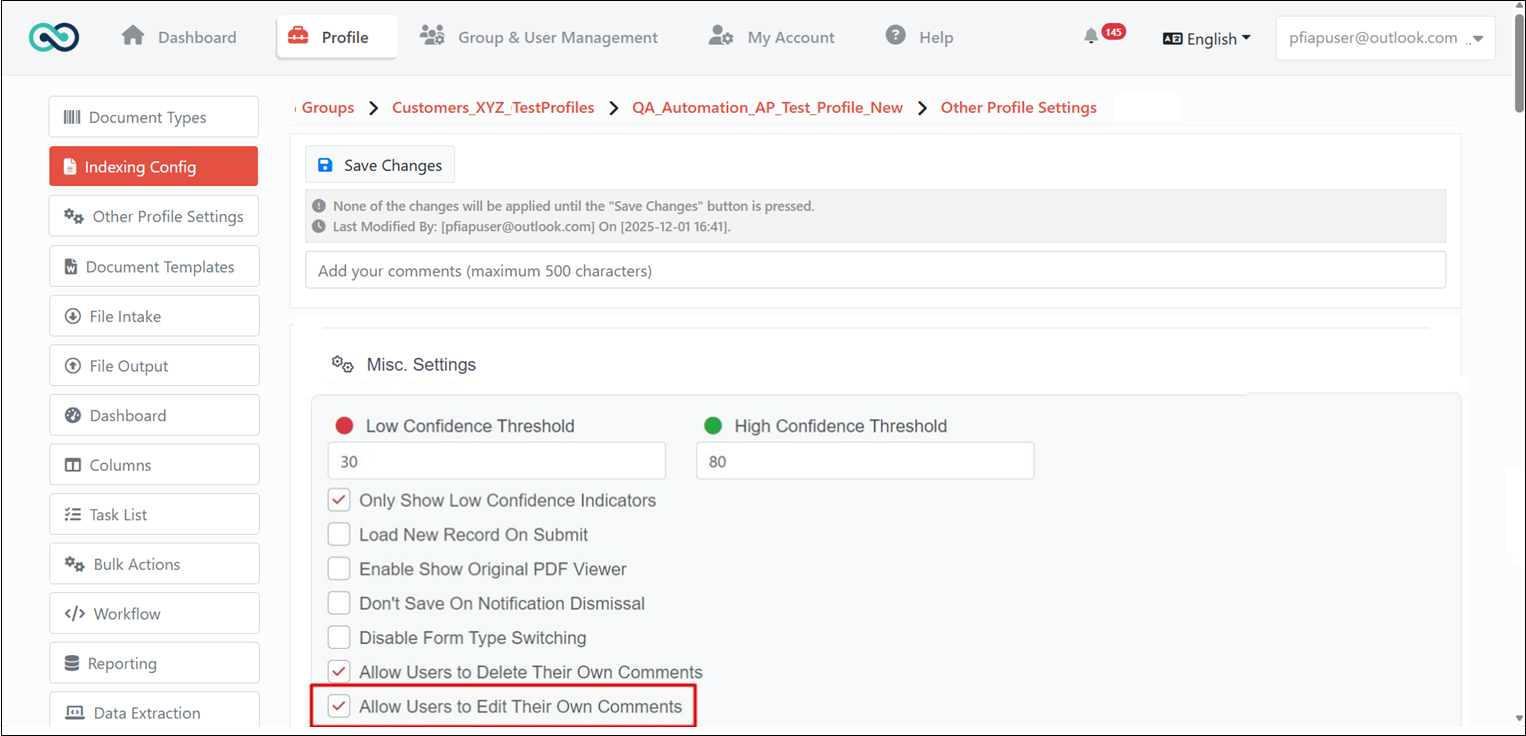
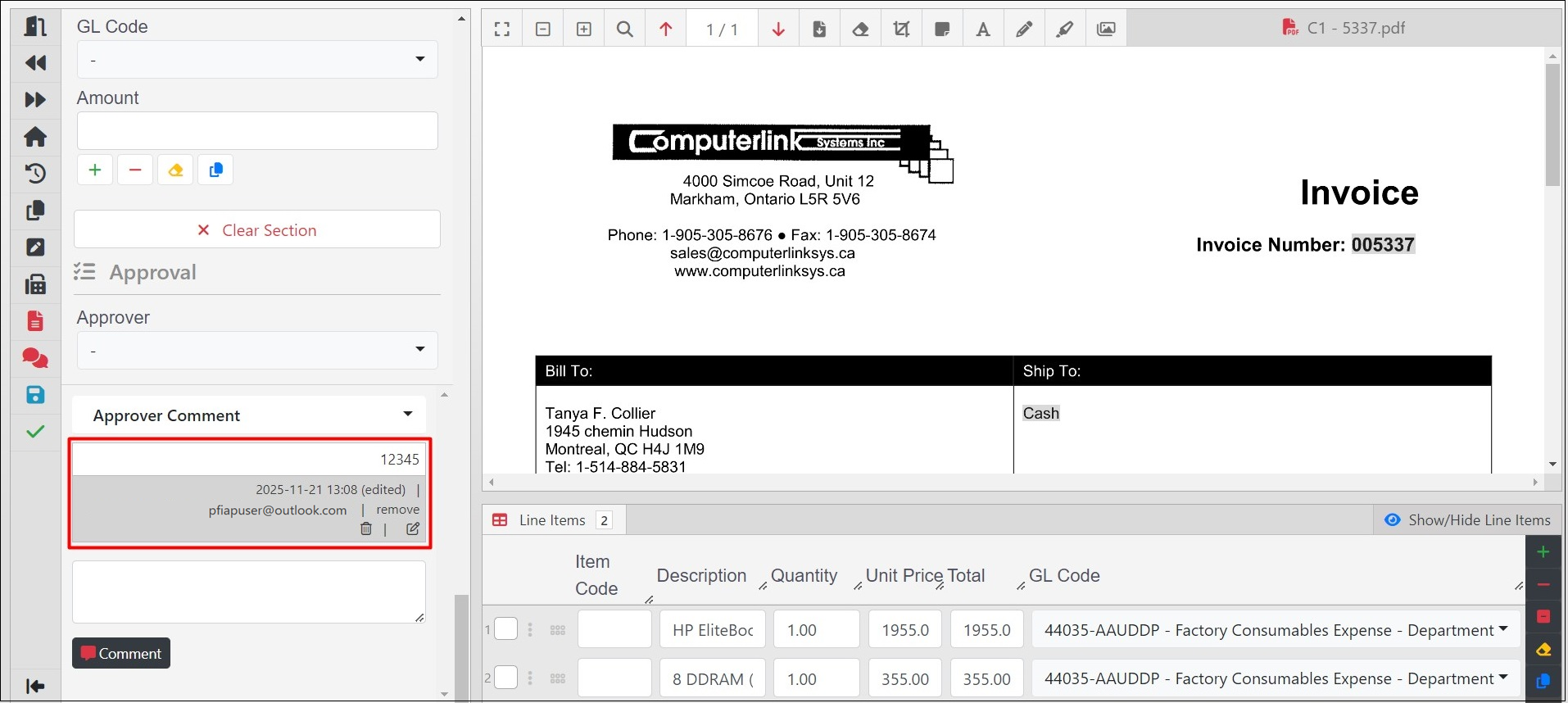
3346: Users are now able to edit their own document comments. To activate this option, go to Misc. Settings under Indexing Config.
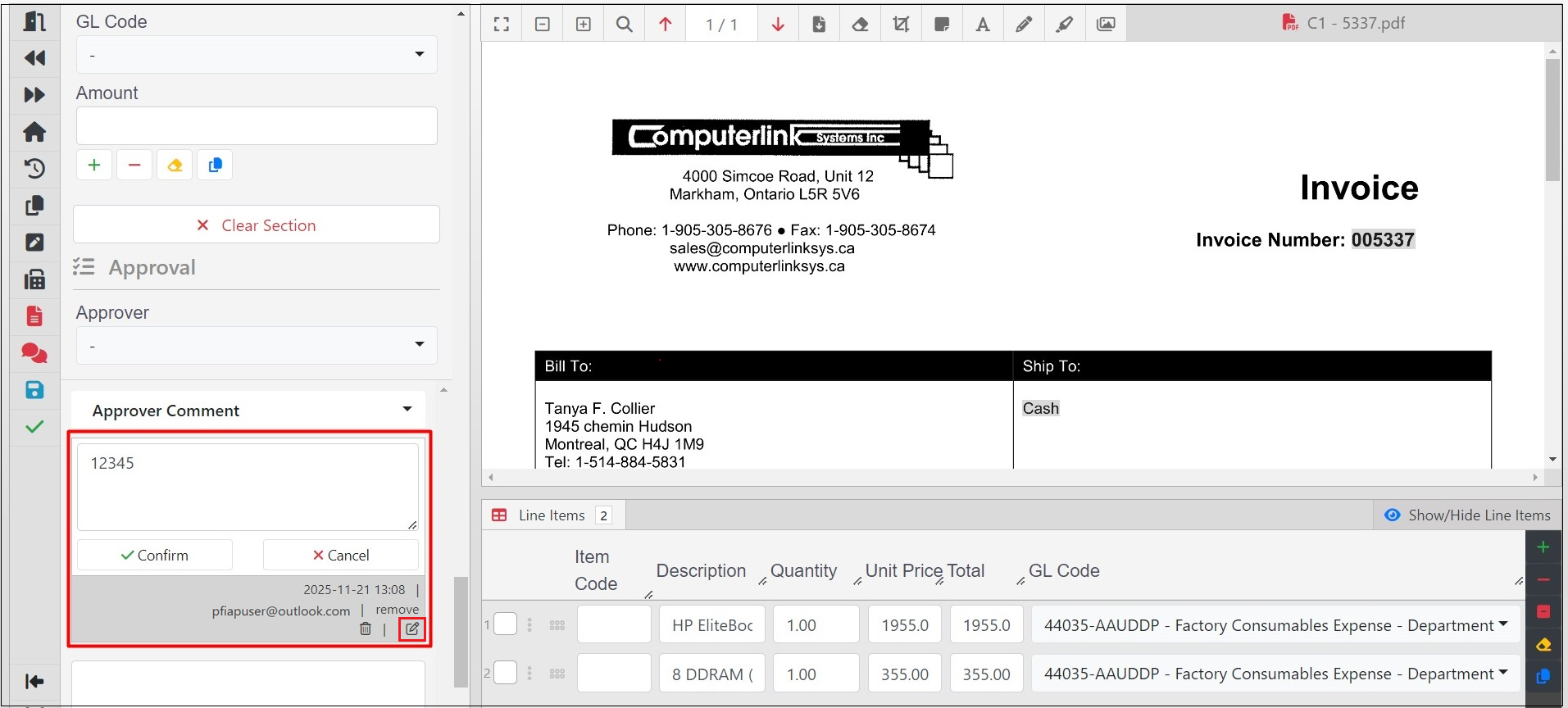
The time a comment was edited is displayed when you hover over the edited label.
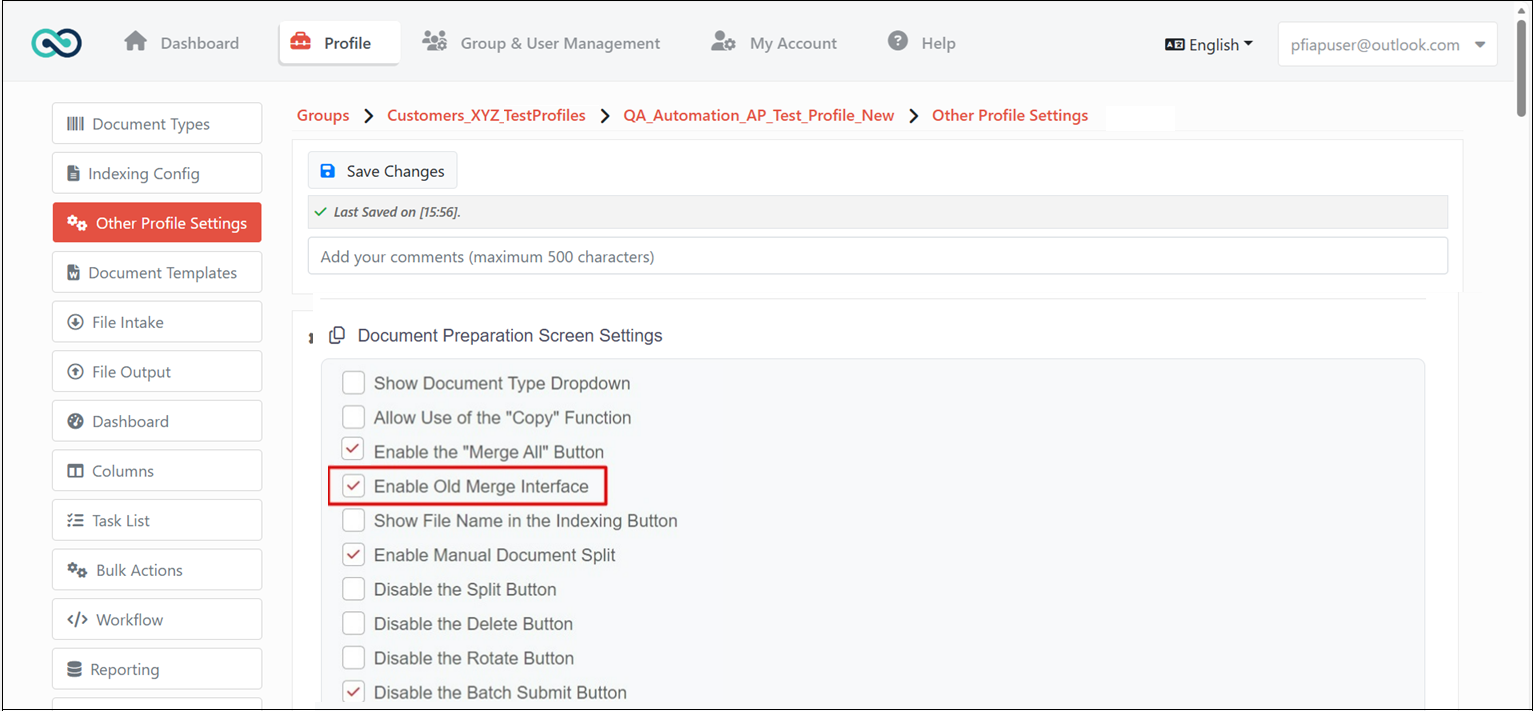
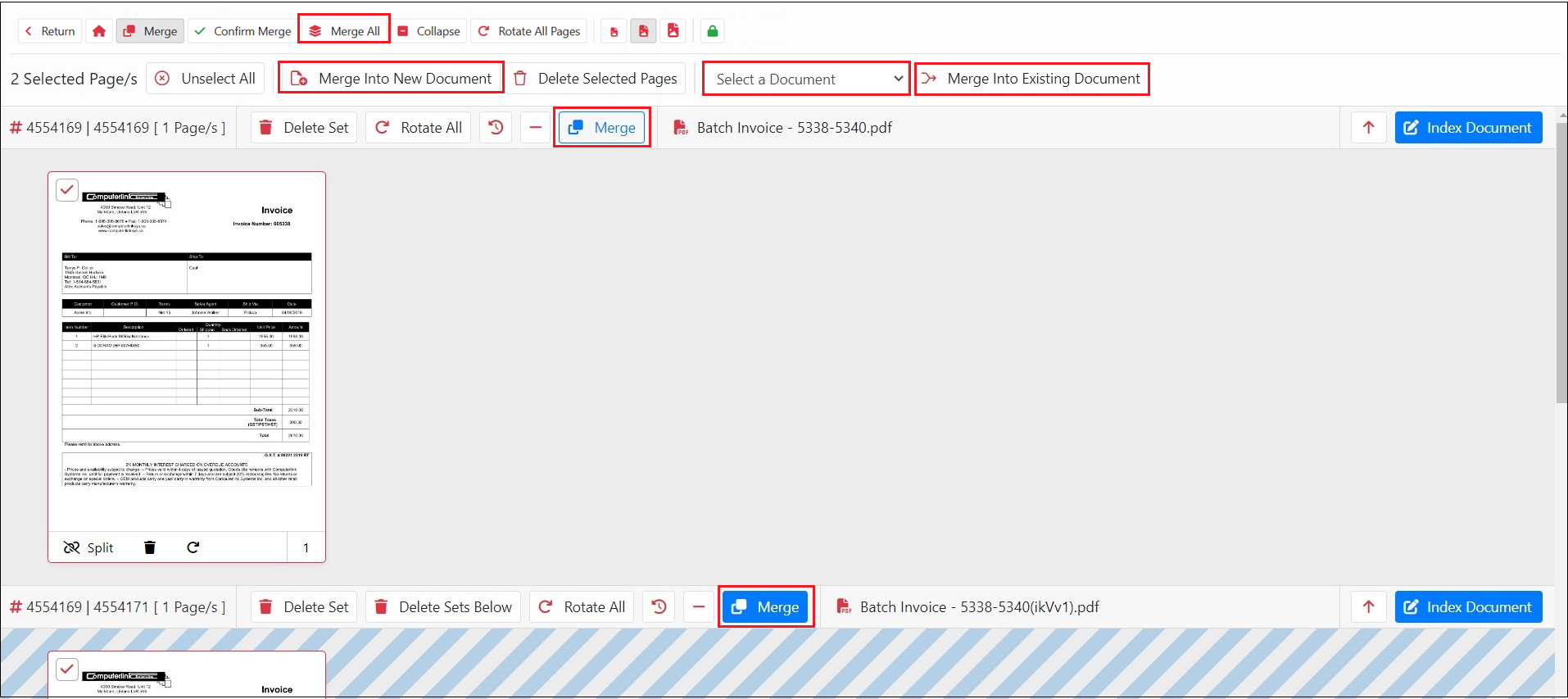
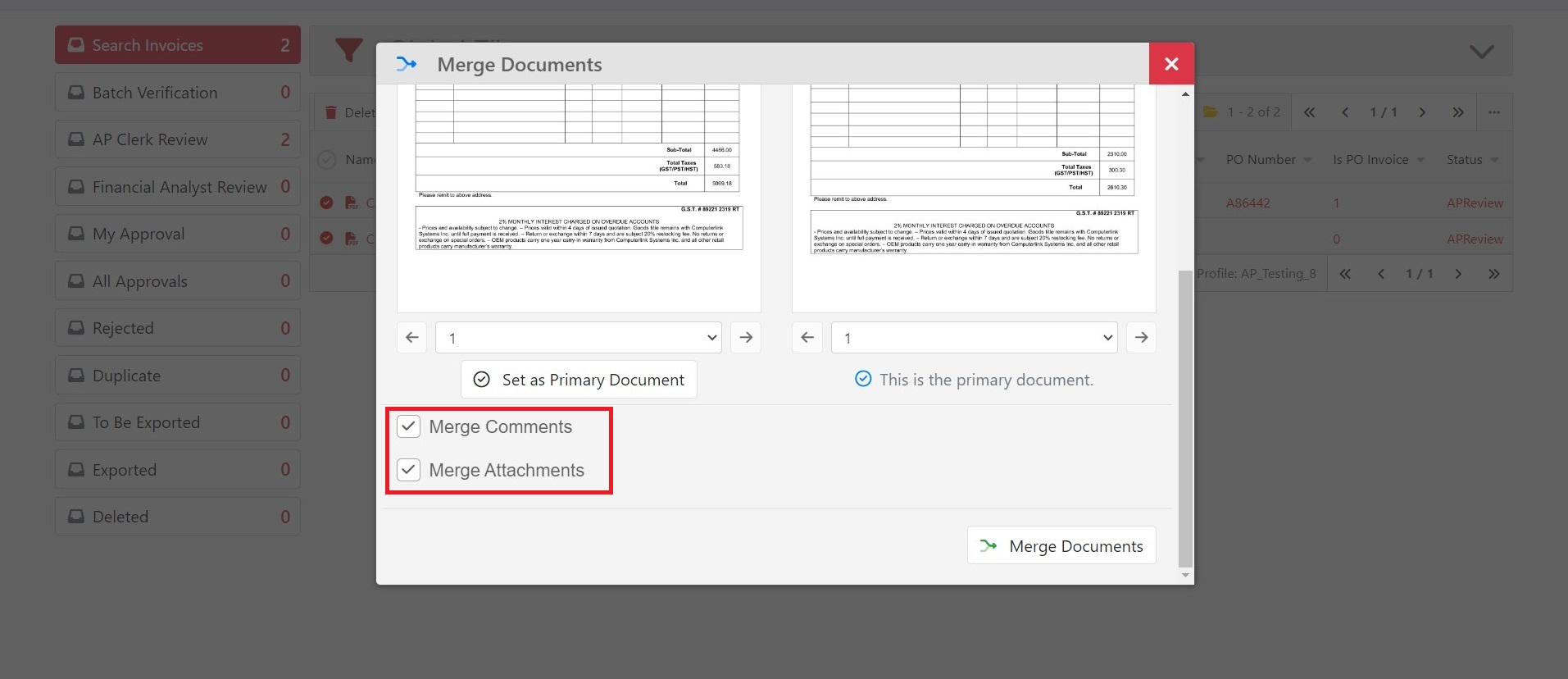
3570: Added an option to display the old merge interface. You can activate this by navigating to Document Preparation Screen Settings under Other Profile Settings.
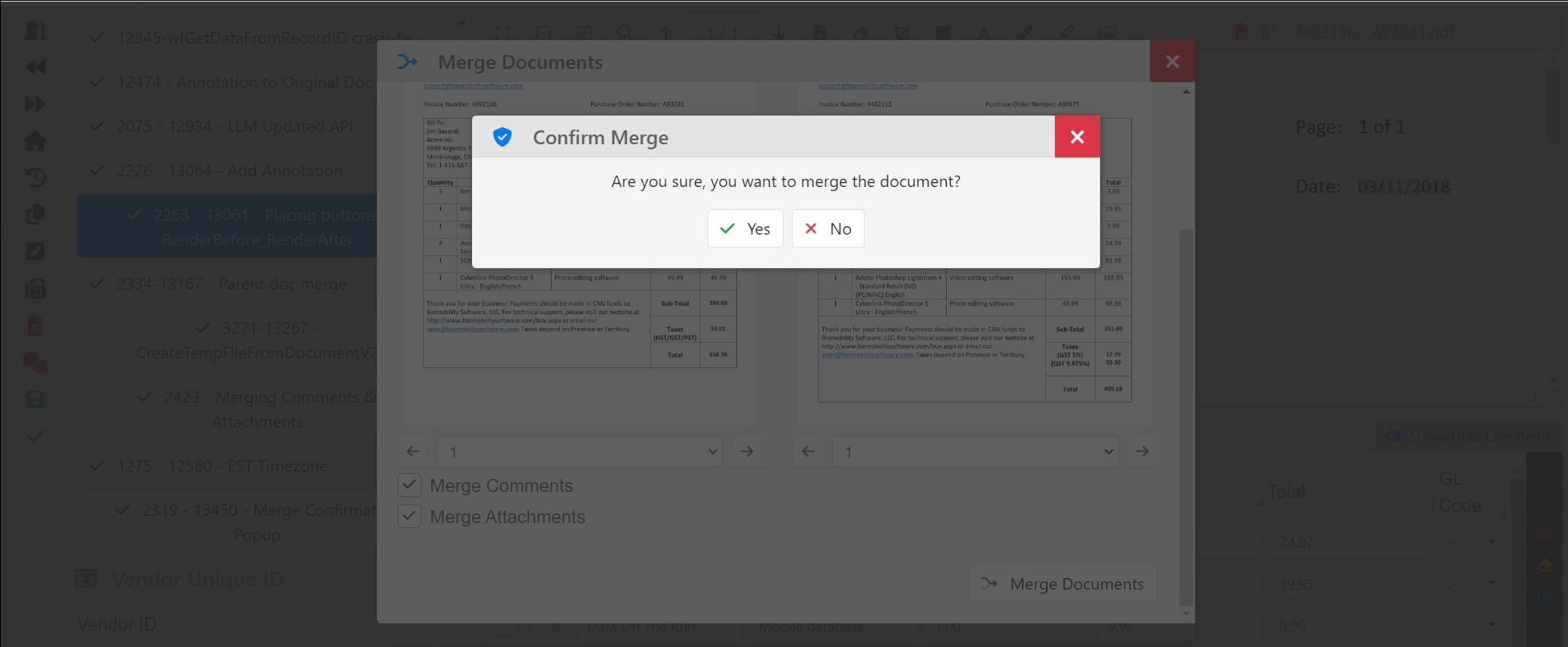
2319: Added a confirmation prompt when merging documents.
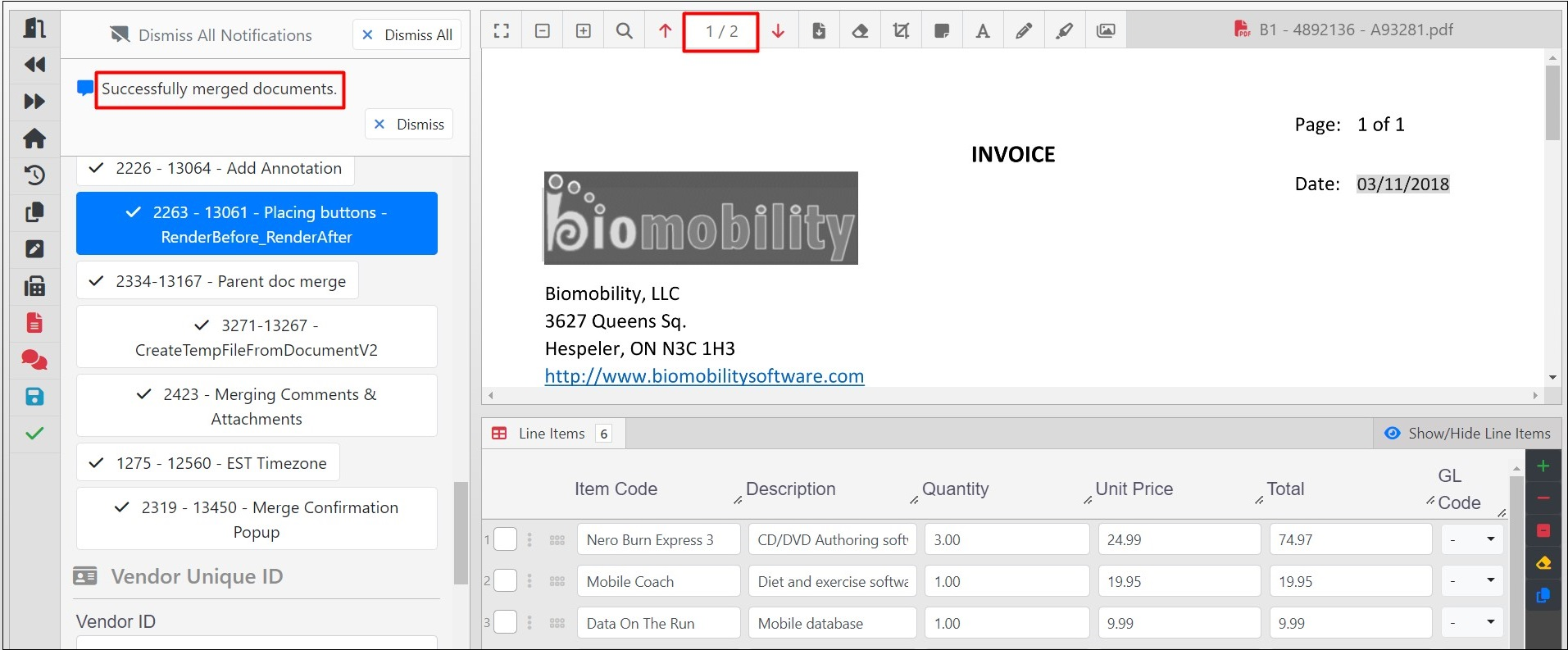
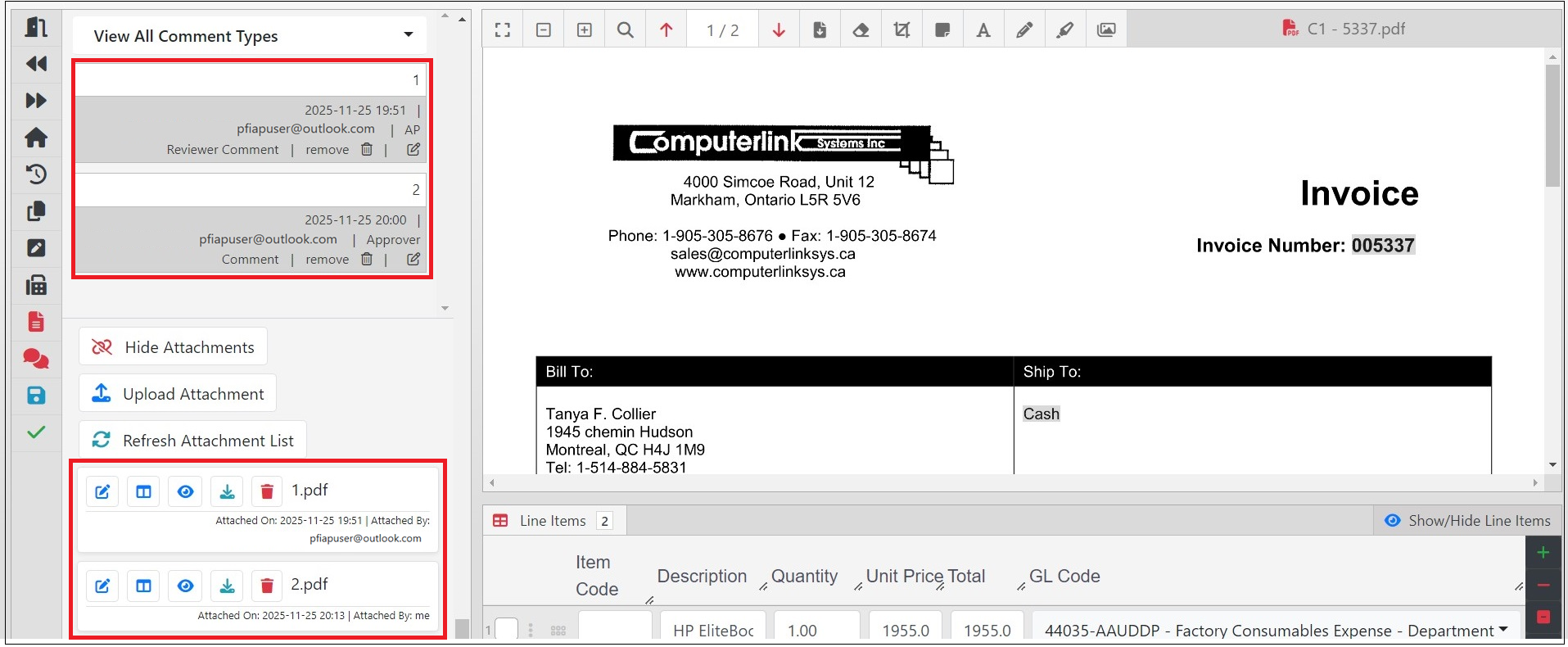
3215: Comments are now displayed in chronological order when two documents are merged.
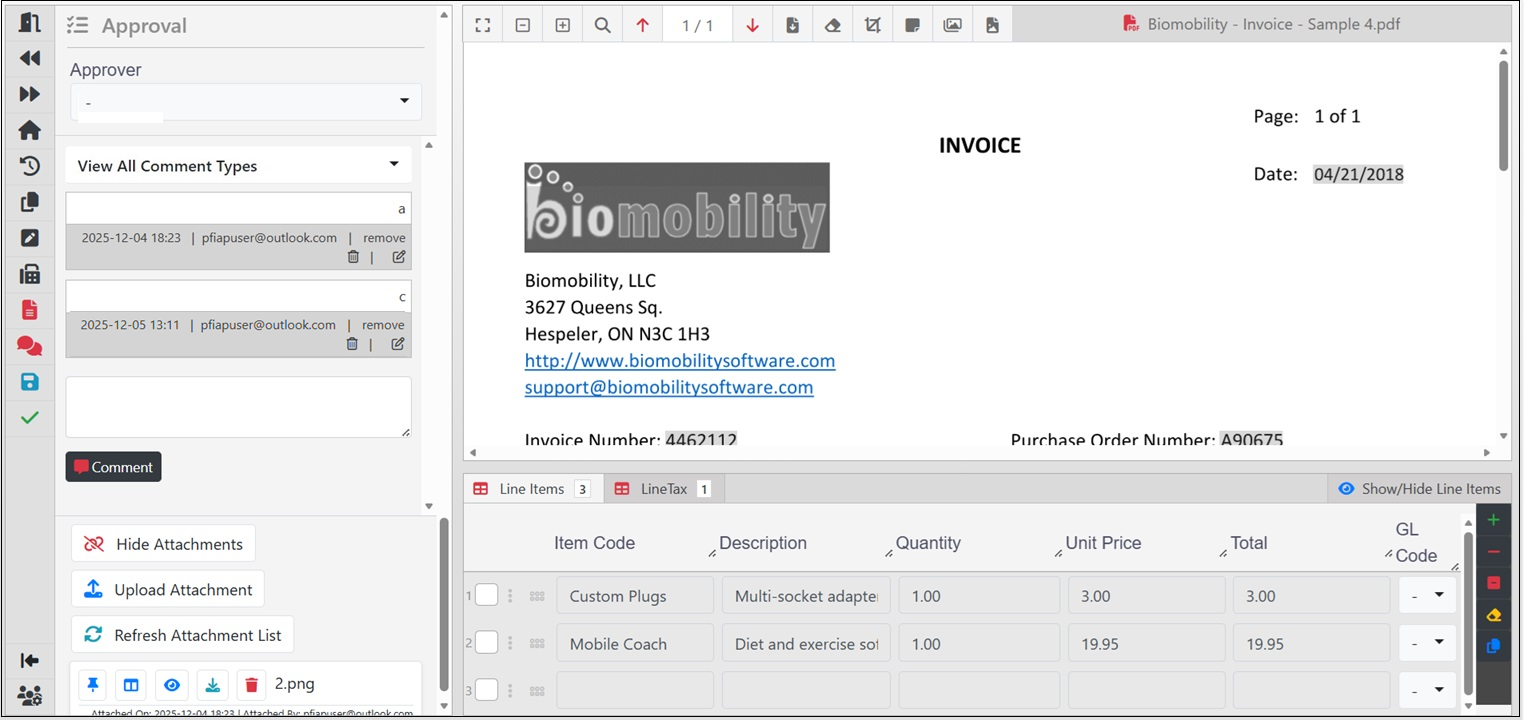
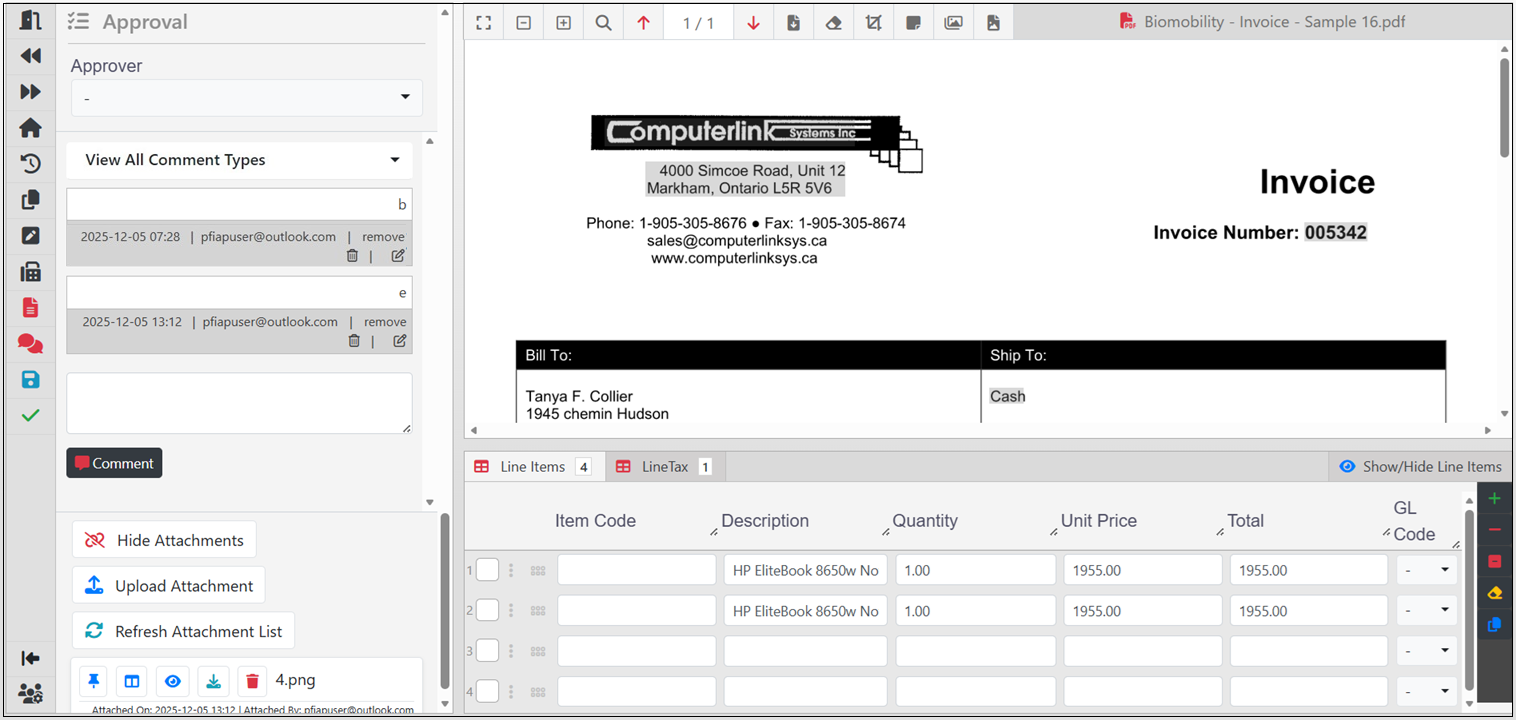
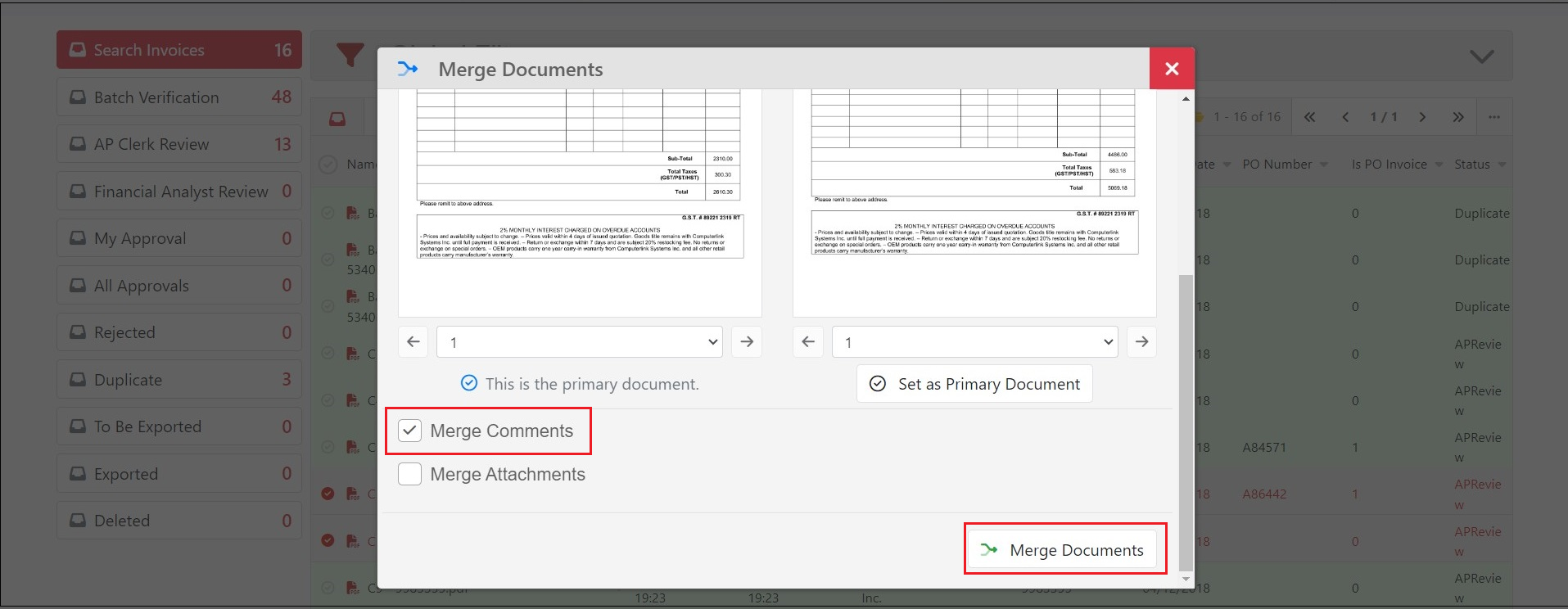
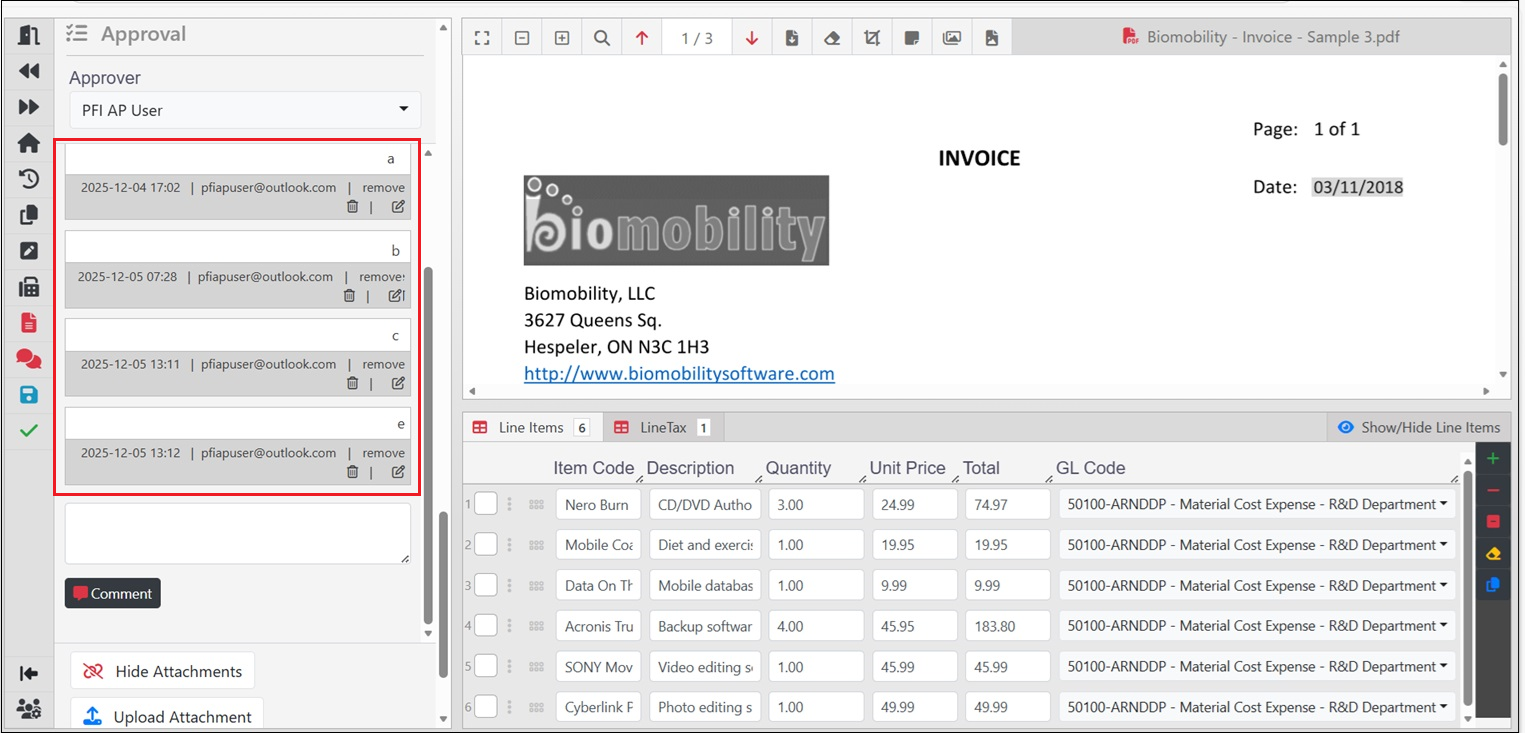
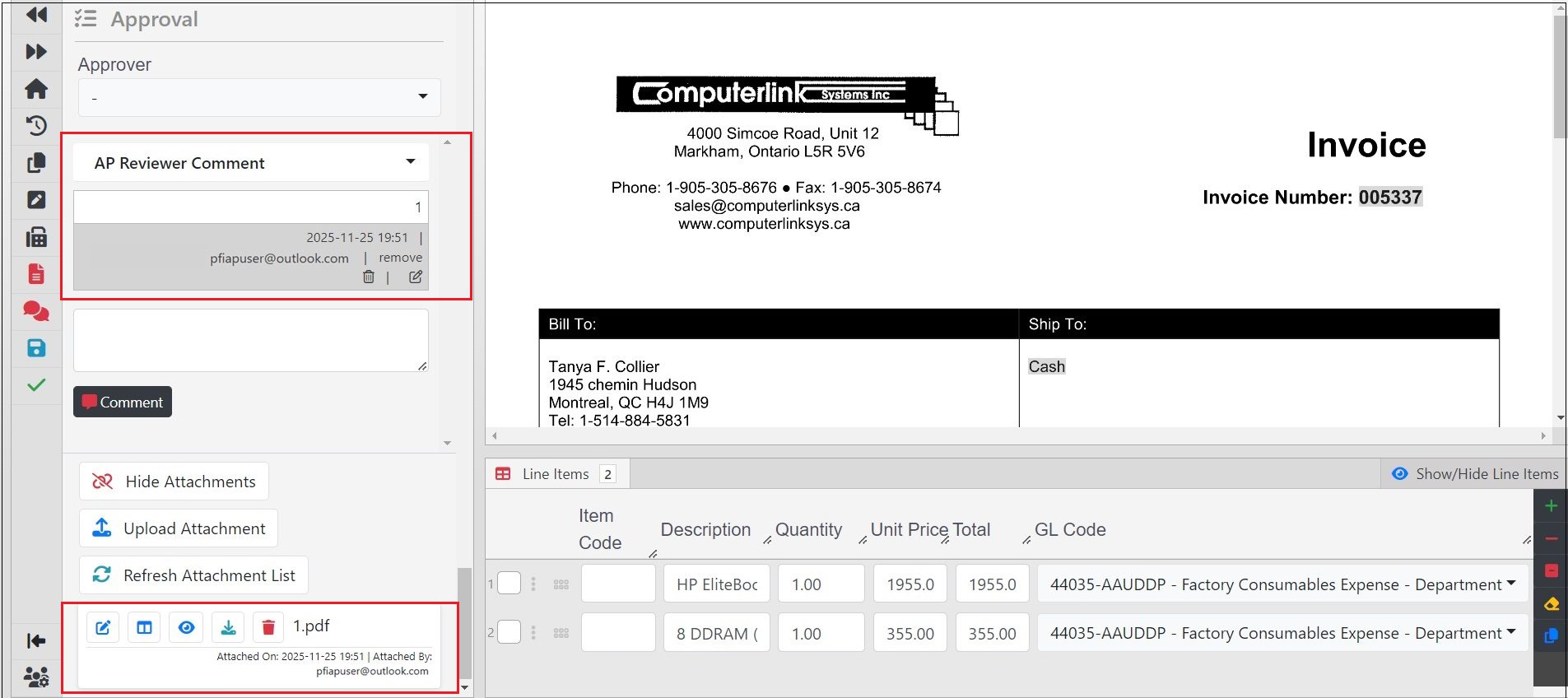
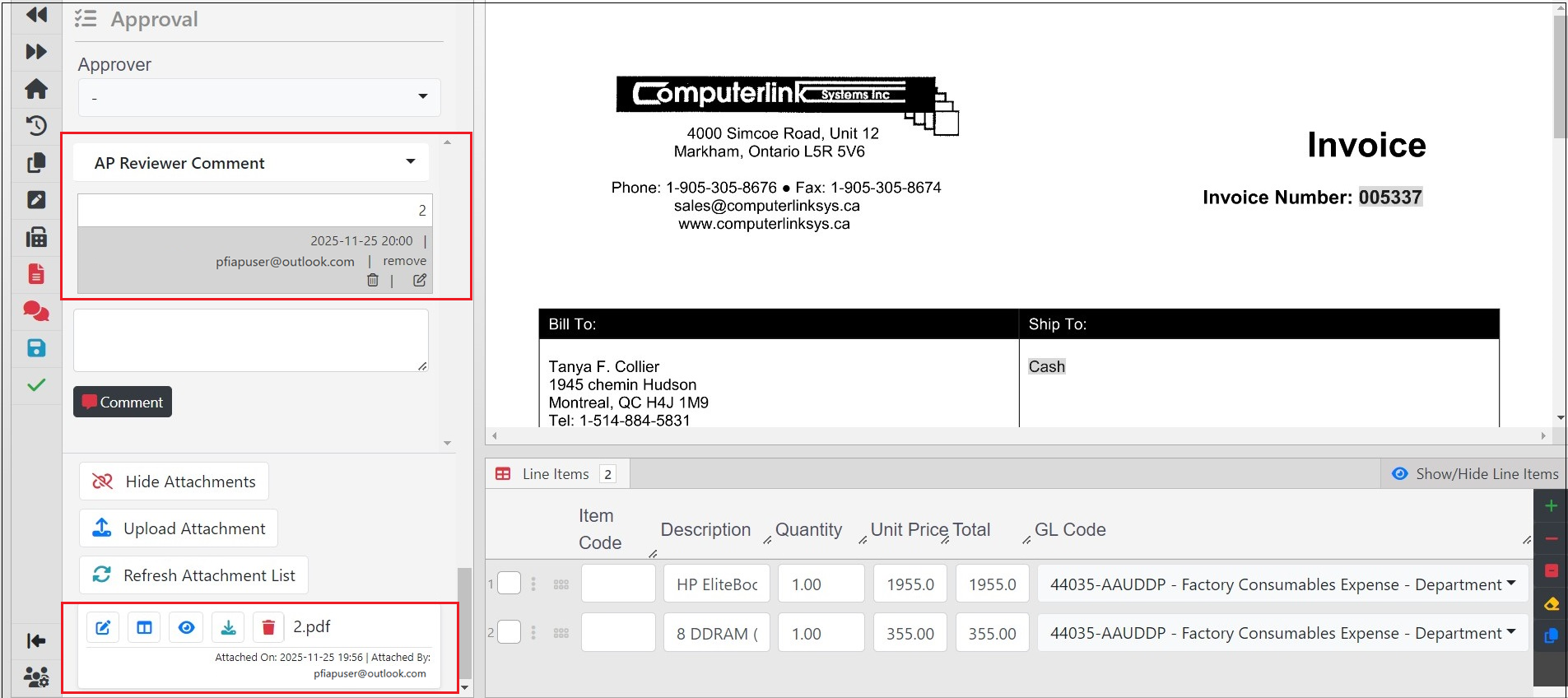
3362: Users can now select two documents from the queue, including those with attachments and comments, and merge them. The merged document displays all comments and attachments from both documents.
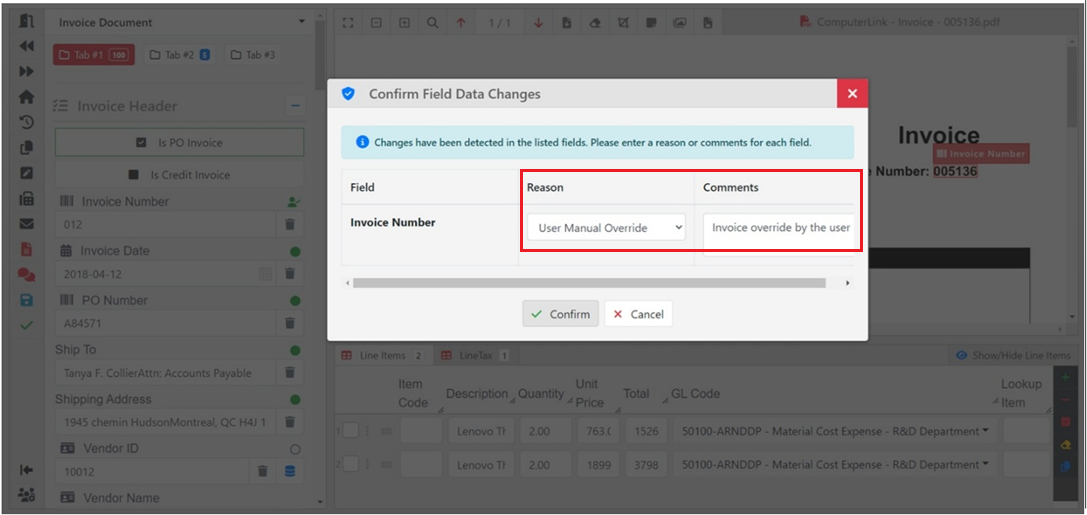
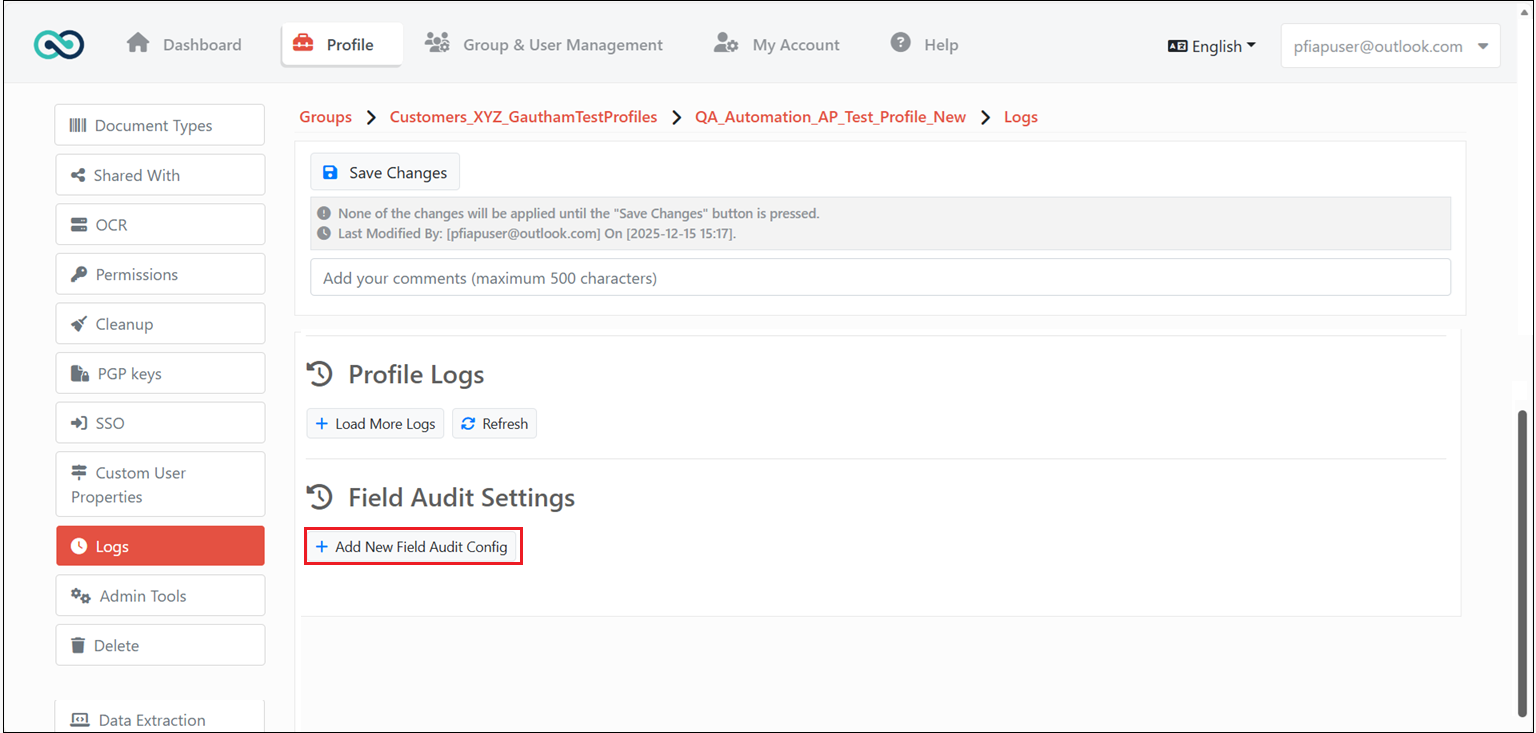
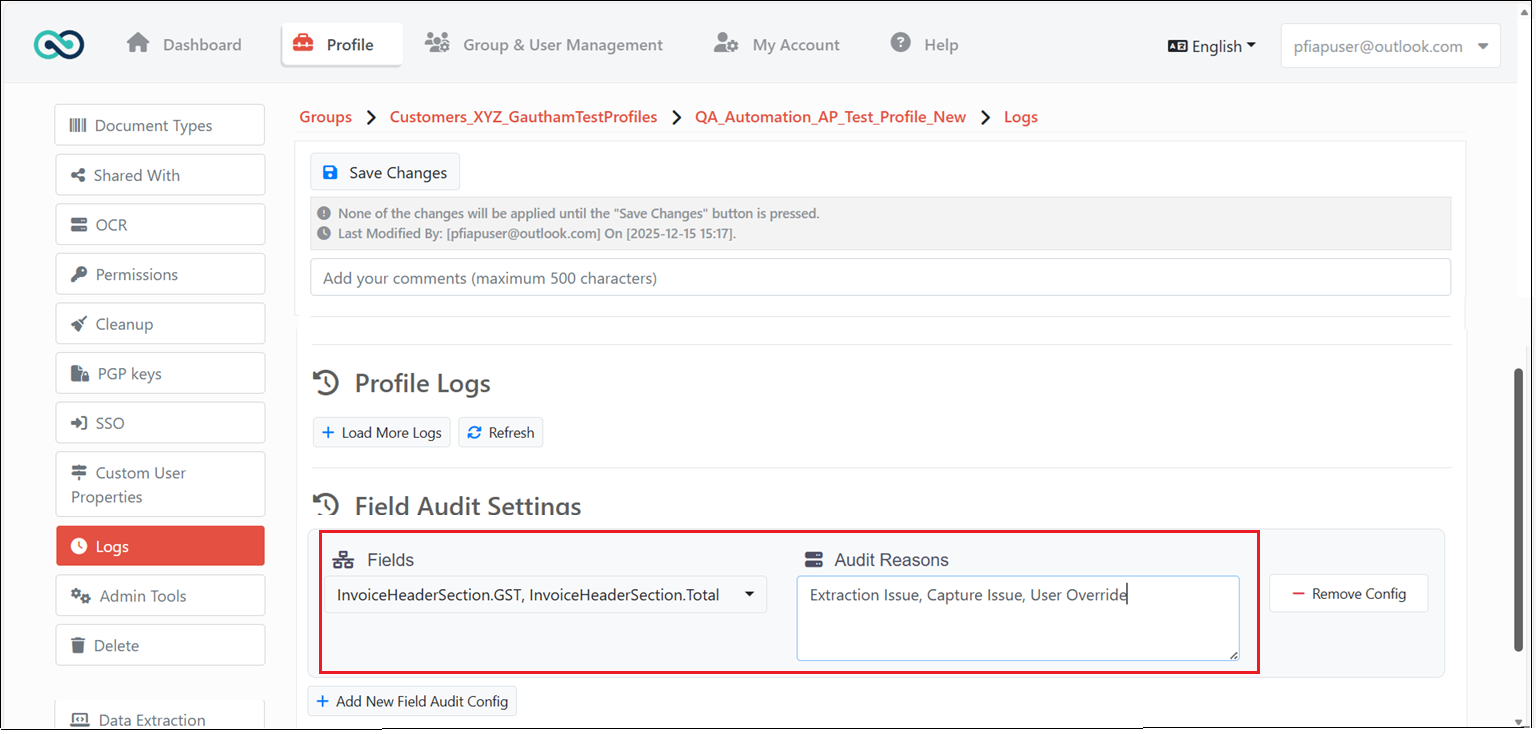
3571: Implemented a field change audit log to track and log modifications made to form fields. Under Profile Settings, click Add New Field Audit Config in the Logs menu. Select the fields to be tracked and enter the audit reason.
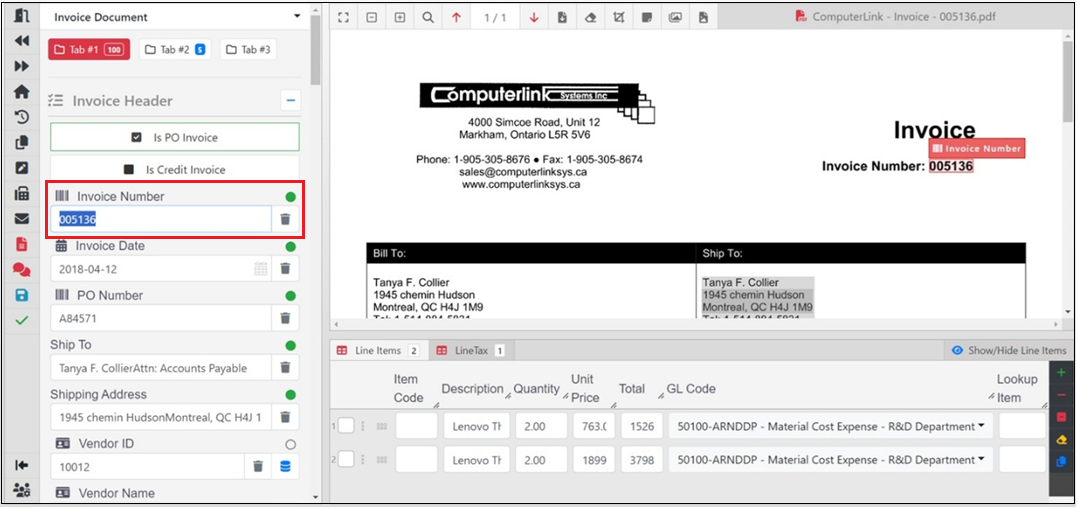
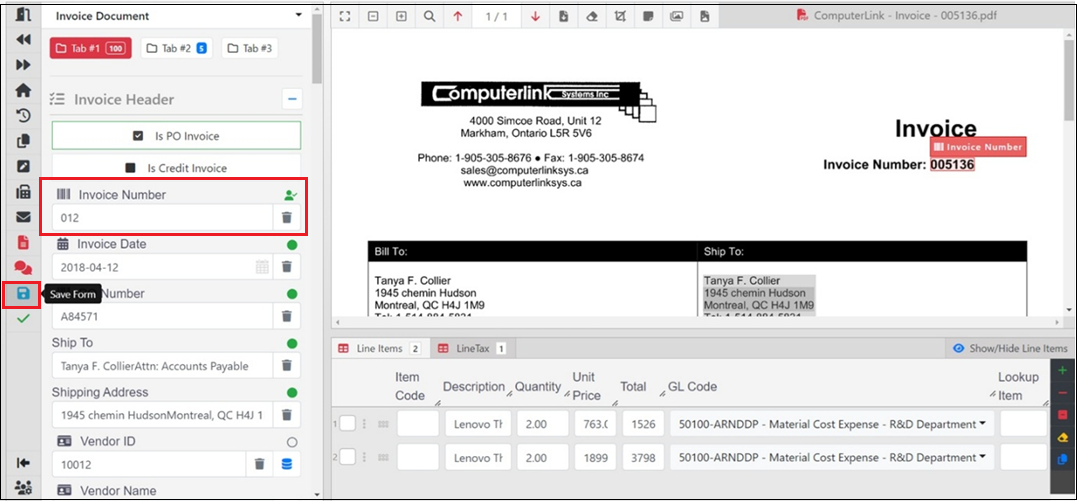
After making changes to a form field and saving the form, you will be prompted to enter the reason and comments for the form field change for audit logging purposes.